
Before You Start
Download the Gmail app from the App Store if it is not already installed.
Steps
1. Open the Gmail app.
2. Tap your profile picture in the top-right corner.
3. Tap Add another account.
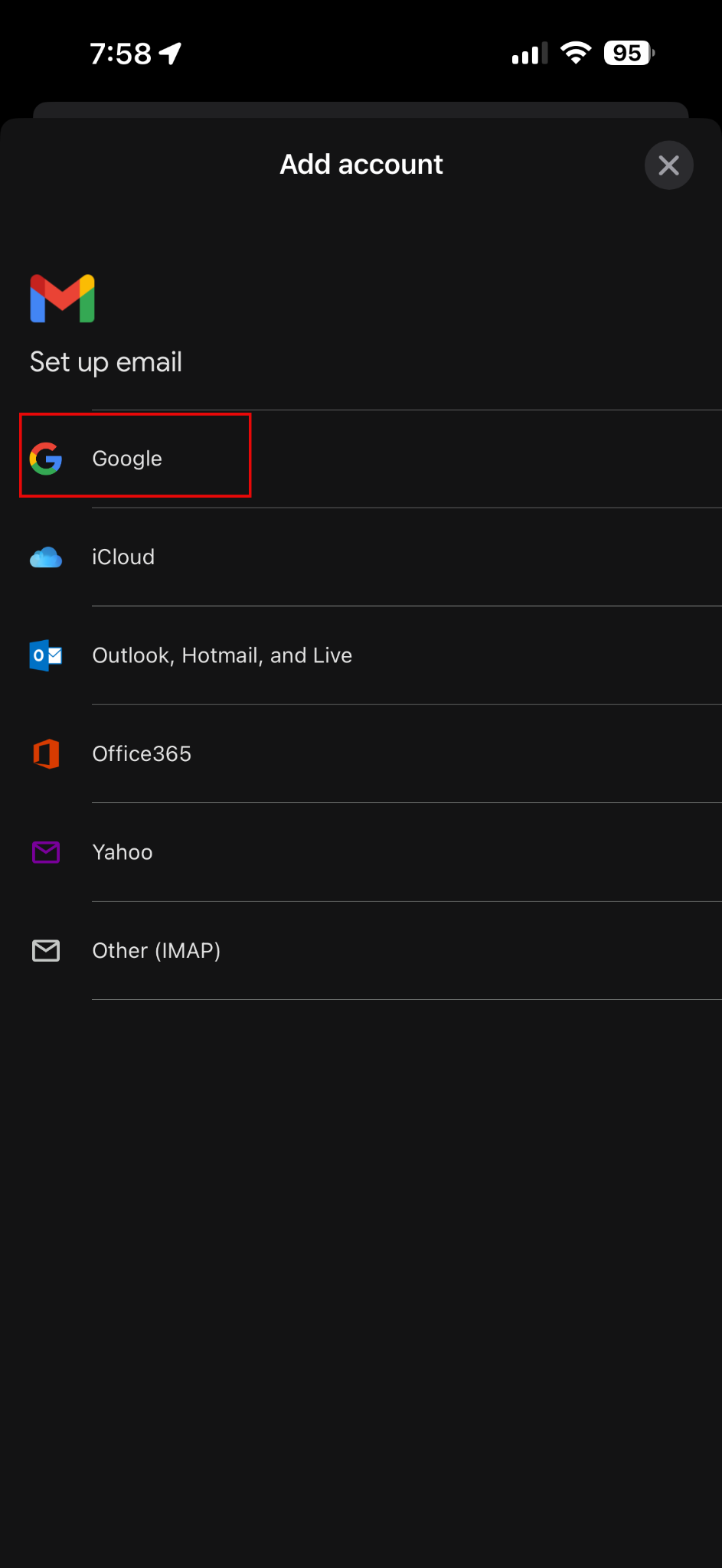
4. Choose the provider: Google
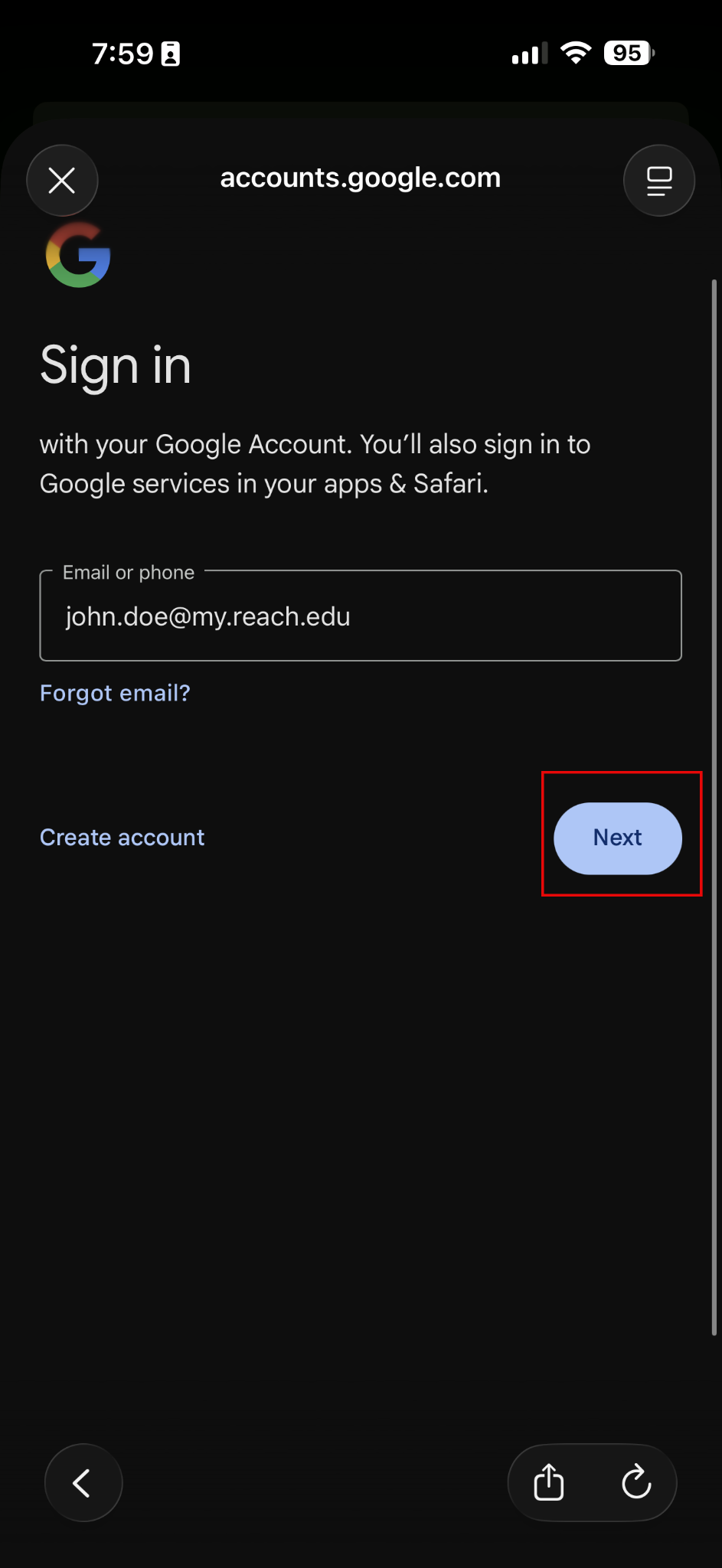
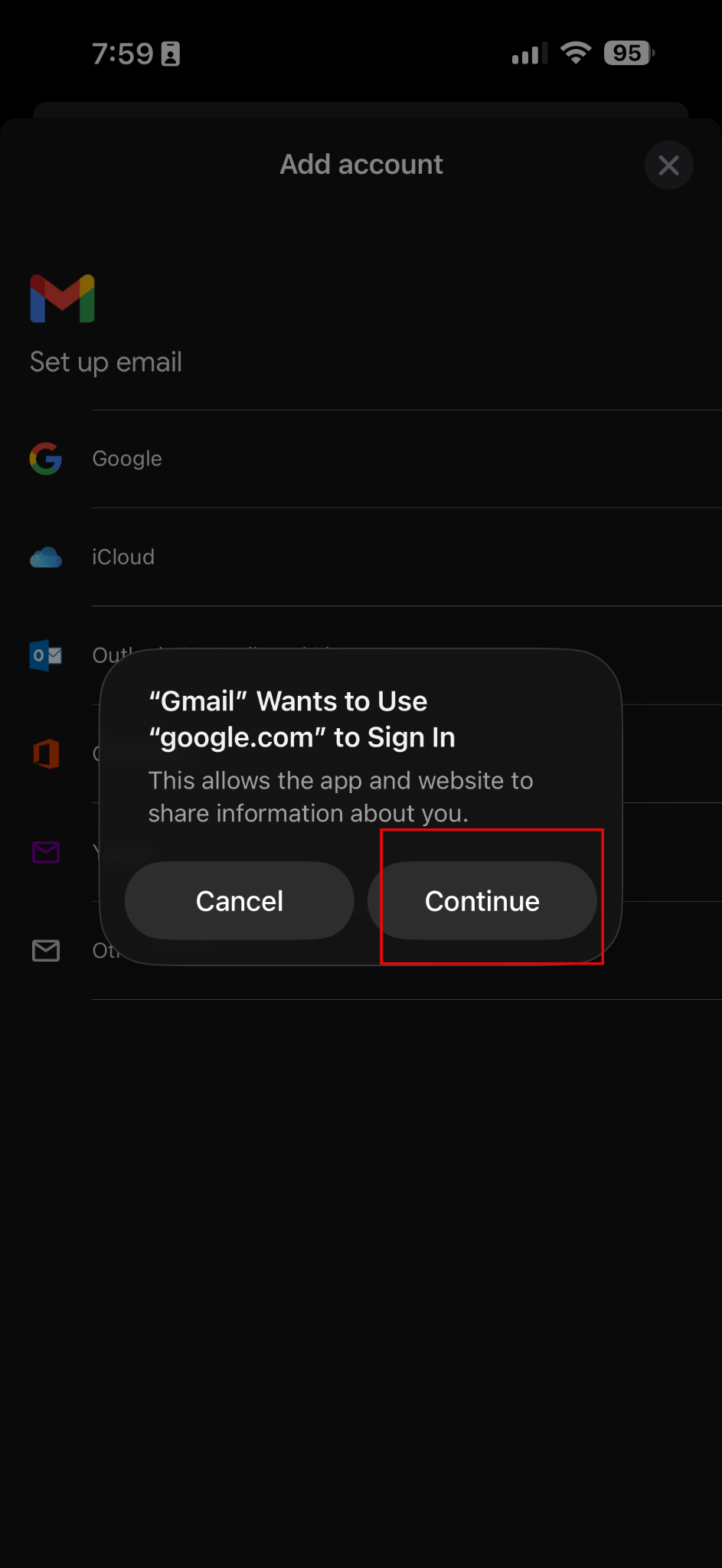
5. Enter your email address. Click Next - Then click Continue
6. A white Microsoft screen branded Reach University will open. Put in your email address.
7. Enter your password.
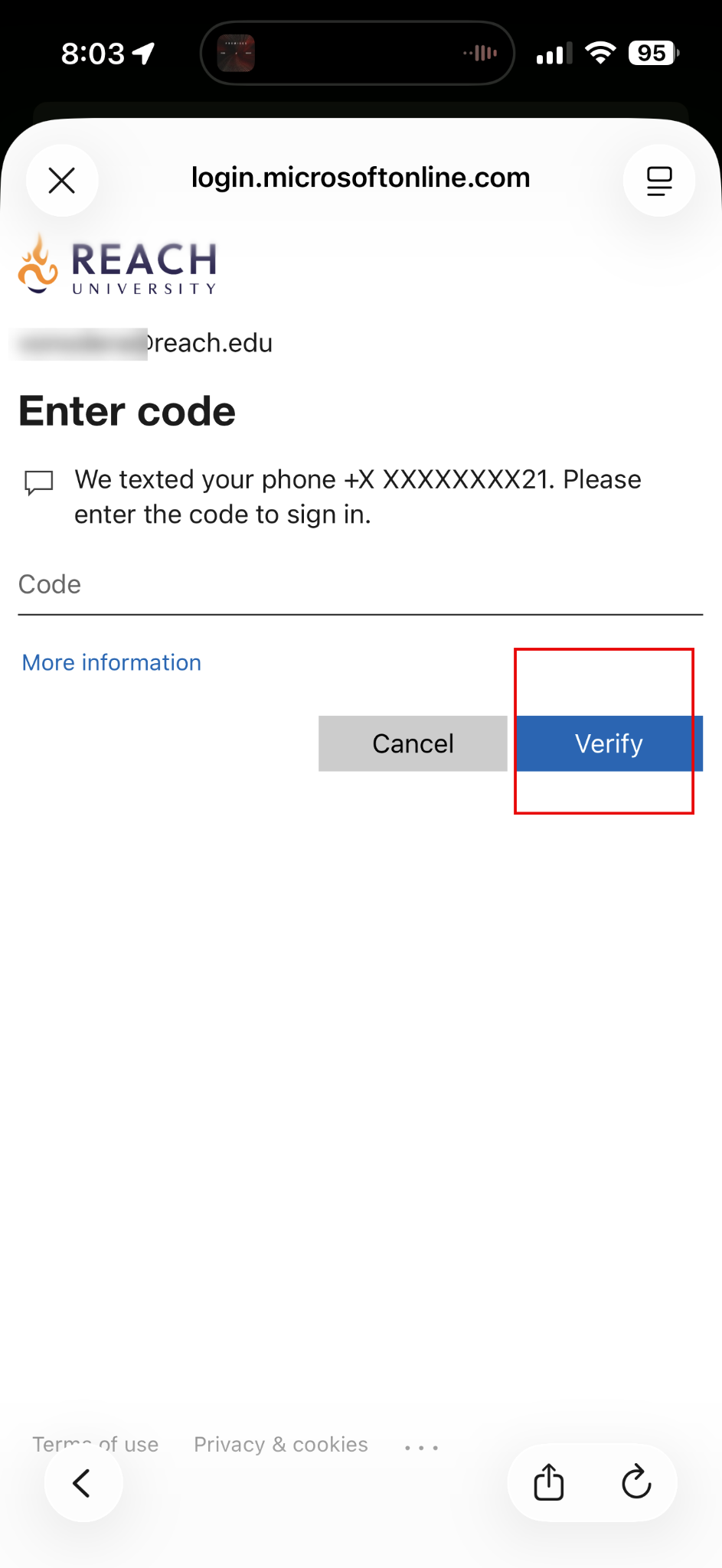
8. Complete any two-factor authentication prompts. This may be via text message or the Microsoft Authentication app.
9. Tap Allow if permission requests appear.
10. Wait for the mailbox to sync.